See the extras.
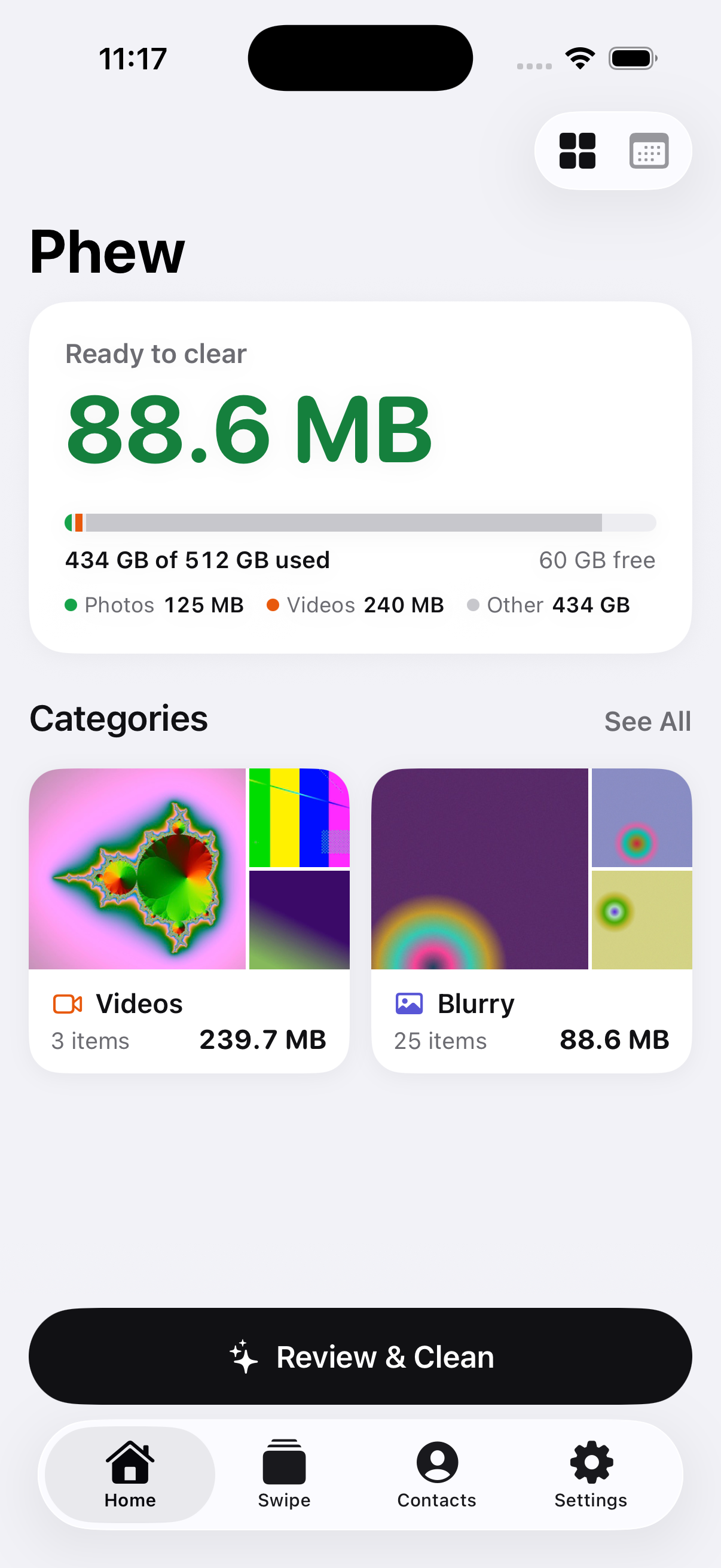
Spot duplicates, similar shots, blurry photos and large videos. See what is taking up space.
 Phew.
A calmer kind of photo cleaner
Clean up your photos, videos and contacts.
Keep what matters. Let the extras go.
Made for iPhone. No account. No subscription.
Your library stays yours
Review before every delete
One-time unlock. Always optional.
Less to sort. More to keep.
Suggestions without the pressure.
You make the final call.
Spot duplicates, similar shots, blurry photos and large videos. See what is taking up space.
Compare a group, swipe through your camera roll, or review one month at a time. Undo when you need to.
Review your choices before deleting. Photos go to Recently Deleted, where you can recover them while available.
A little thought in every detail
Save a compressed copy with its date and location. Review before removing the original.
Turn selected Live Photos into stills when the moving part is no longer needed.
Review repeated phone numbers and emails. A verified local vCard backup comes before any changes.
Analysis happens on your iPhone. No account, ad network or photo-upload server.
Good tools. Straightforward terms.
Every tool, with 50 cleanups a day on the free plan.
An optional one-time unlock removes the daily limit.
No trial countdown. No weekly plan. No subscription.
Coming soon to iPhoneFor iPhone · iOS 18 or later
Deleting from iCloud Photos affects your synced library. Photos and videos remain in Recently Deleted until you remove them there or Apple's recovery period ends. Contact changes use local vCard backups instead.